Step 2: Choose the Right AI Website Builder
There isn’t one single “best” tool — it depends on what you’re building and how much control you want.
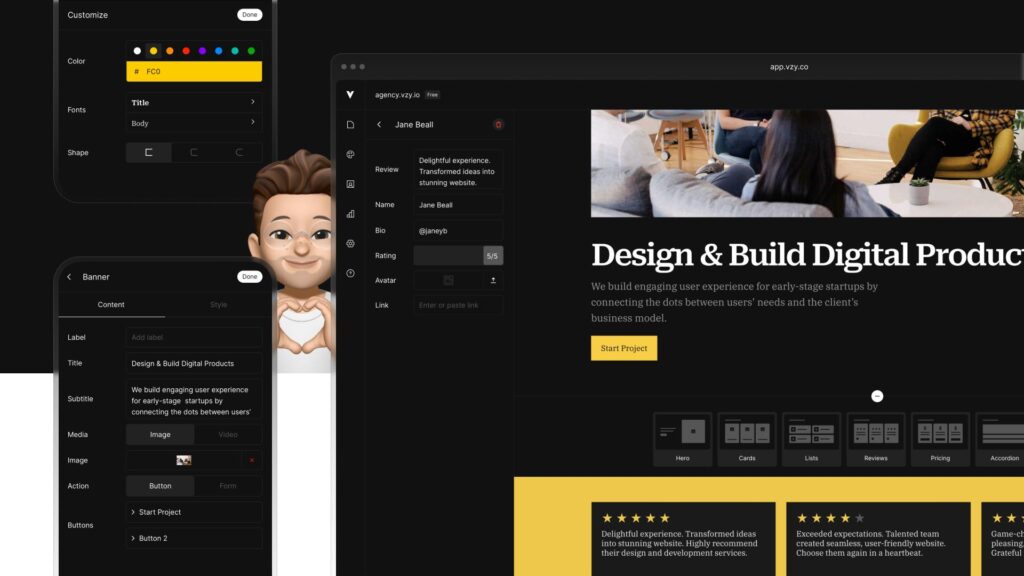
If you want a fully AI-generated site from a text prompt, tools like 10Web, Durable, or Hostinger’s AI website builder let you describe your business and get a live, styled website in minutes. These are great for service businesses, consultants, and small shops that need something functional fast.
If you already use WordPress and want AI woven into your existing workflow, plugins and AI-assisted page builders (like Elementor’s AI features) can generate layouts, images, and copy inside a platform you already know.
If your priority is design flexibility with AI as a helper rather than the main driver, platforms like Framer AI or Wix ADI blend AI generation with manual drag-and-drop editing, so you’re not locked into whatever the AI first suggests.
The right choice usually comes down to one question: do you want AI to build the whole thing, or do you want AI to speed up parts of a process you’re still controlling? Neither approach is wrong — it depends on your comfort level and how specific your vision is.
Step 3: Let AI Handle the First Draft, Then Take Over
This is where most people either get great results or get frustrated. AI website builders work by asking you a series of questions — your business type, your goals, your brand colors, sometimes even your existing social media links — and then generating a full site structure based on your answers.
The first draft will rarely be perfect. Expect generic stock photos, slightly off brand messaging, and layouts that feel like templates because, in a sense, they are. That’s normal. The real value isn’t the first draft — it’s how fast you can get from a blank page to something 70% done that you can now refine.
Once the draft is generated, go through it section by section. Replace stock images with real photos of your product, team, or space. Rewrite the AI-generated copy so it sounds like your actual business, not a generic version of every business in your industry. Adjust colors and fonts to match your existing branding, especially if you already have a logo or visual identity.
Step 4: Use AI for Content, But Keep Your Voice
One of the most underrated uses of AI in website building isn’t the layout — it’s the copy. Writing homepage headlines, service descriptions, and about-us sections is often the part business owners dread most.
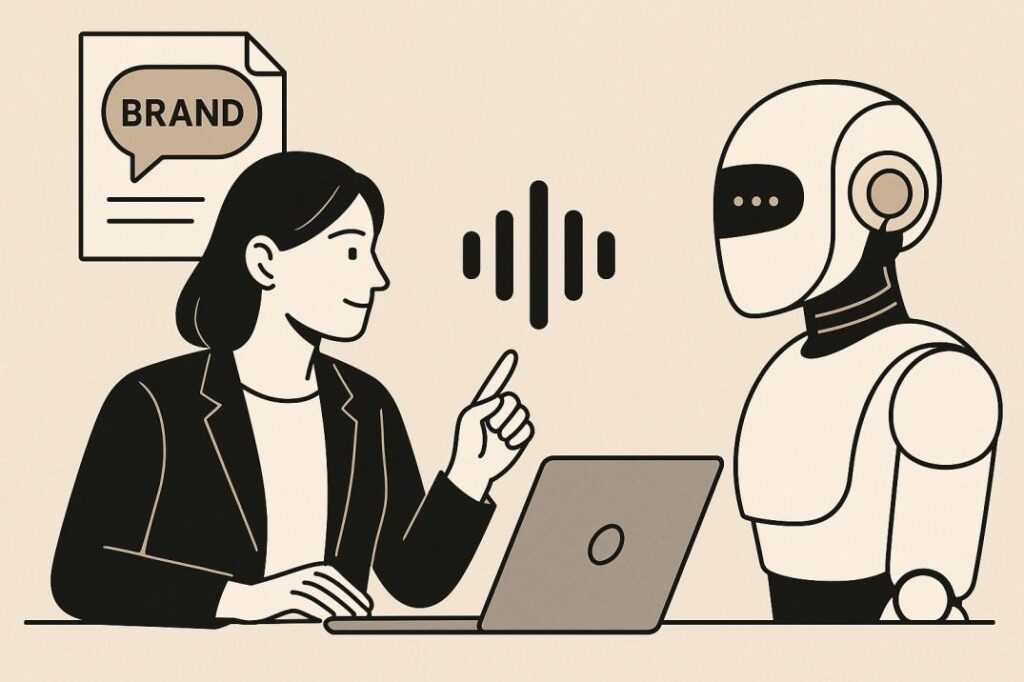
AI can draft this content quickly, but there’s a trap here worth avoiding: letting AI-written copy stay too generic. Search engines and real customers can both tell when a website sounds like it was written by nobody in particular. The fix is simple — use AI to get past the blank page, then edit heavily. Add specific details only you would know: how long you’ve been in business, what makes your process different, a real customer story, the actual neighborhood or city you serve.
This step matters for SEO too. Search engines increasingly reward content that demonstrates real experience and expertise, not just keyword-stuffed generic text. A website that sounds human, specific, and genuinely useful will consistently outperform one that reads like it came from a template.
Step 5: Optimize for Search Engines from Day One
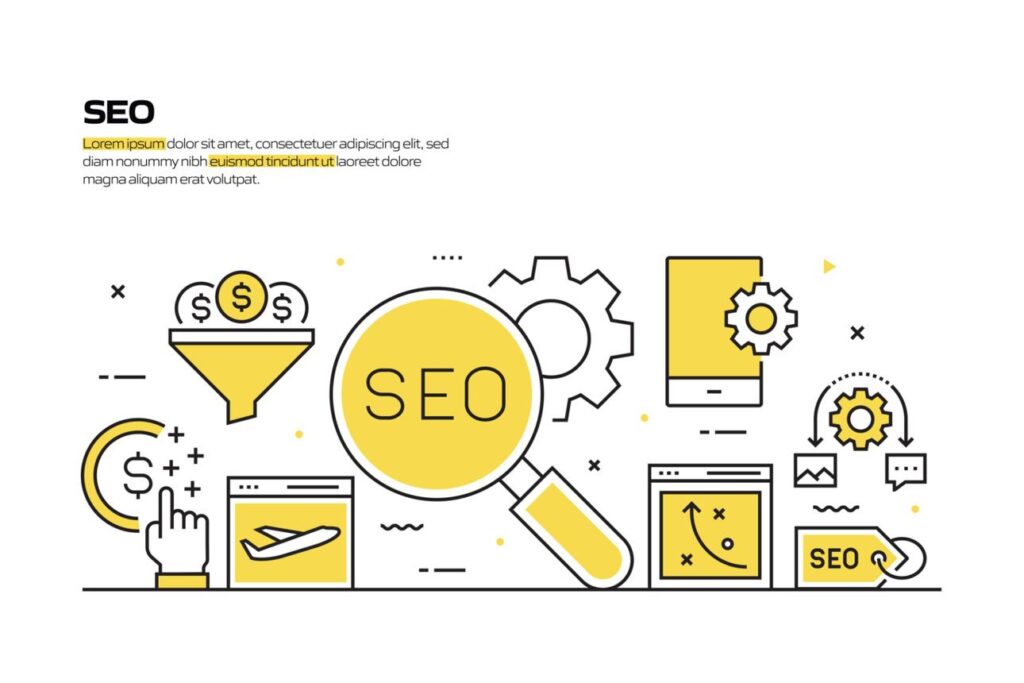
A common mistake is treating SEO as something you’ll “do later.” Bake it into the build process instead. Make sure every page has a clear, unique title and meta description that includes what you actually offer and where you’re located, if that’s relevant to your business. Use one clear heading (H1) per page that reflects what a visitor is searching for, and structure content with subheadings so both readers and search engines can scan it easily.
Compress and rename images with descriptive file names instead of generic ones like IMG_2034.jpg, and always add alt text describing what’s in the image. Make sure your site loads fast and displays properly on mobile, since most AI builders handle this automatically, but it’s worth double-checking. Add your business to Google Business Profile and link it to your new site so local search visibility improves alongside your website itself.
Most modern AI website builders have basic SEO tools built in, but they won’t do strategic keyword research or competitive analysis for you. That part still benefits from a human eye — understanding what your specific customers are actually typing into Google before they find you.
Step 6: Test Before You Launch
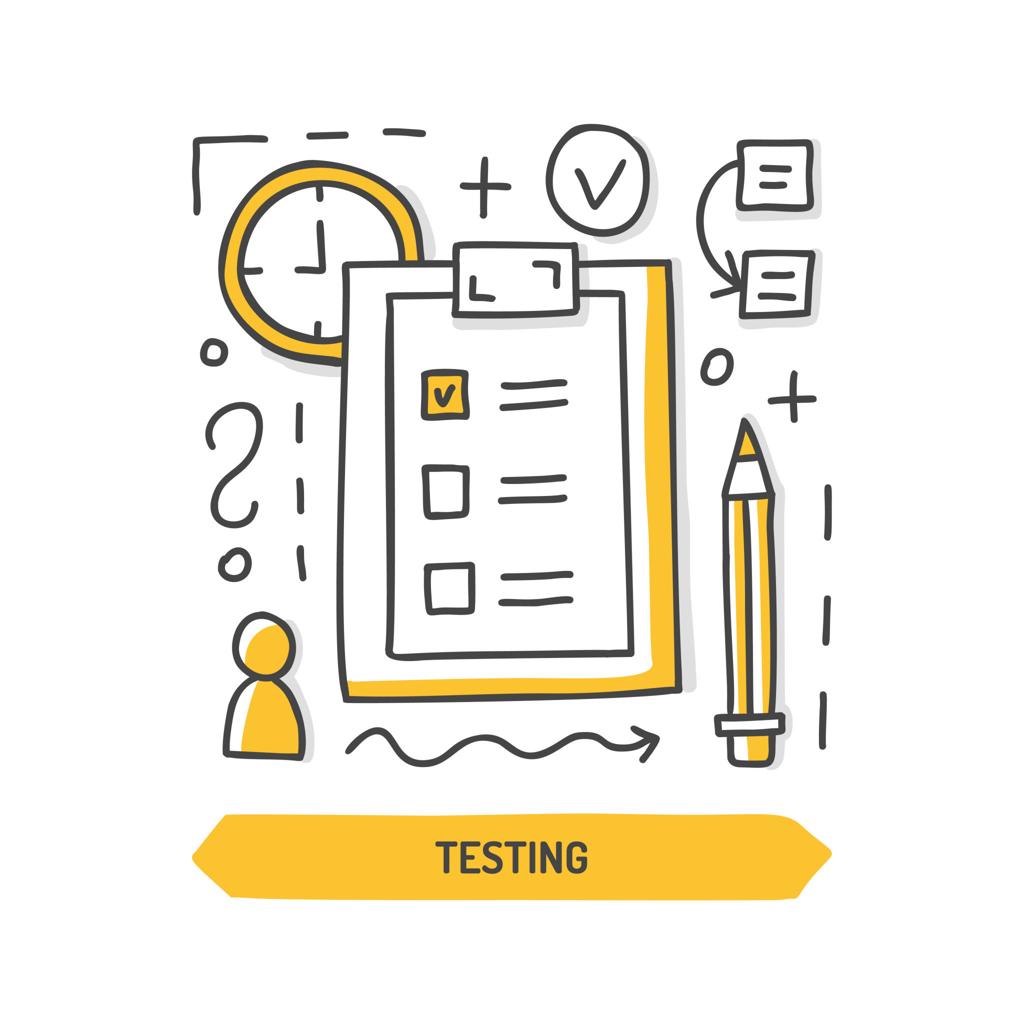
Before going live, walk through your site as if you were a first-time visitor. Click every button and link to make sure nothing’s broken. Fill out your contact form yourself to confirm it actually sends. Check how the site looks on a phone, since most of your traffic will likely come from mobile. Read every page out loud, because awkward AI-generated phrasing is much easier to catch when you hear it rather than just read it.
This step is easy to skip when you’re excited to launch, but it’s the difference between a site that looks fine and one that actually works.
What AI Still Can't Do for You
It’s worth being honest about the limits. AI can build structure, generate a first draft, and speed up execution — but it can’t decide your business strategy, understand your customers’ unspoken expectations, or replace a genuine brand identity built over time. It also won’t catch every SEO nuance, competitive positioning insight, or trust-building detail that comes from actually knowing your industry.
Think of AI as a very fast junior designer and copywriter, not a marketing strategist. It gets you 70-80% of the way there almost instantly. The remaining 20-30% — the part that actually makes your website sound like you and work for your specific customers — still needs a human hand.
Final Thoughts
Building a business website with AI isn’t about replacing thoughtfulness with automation. It’s about removing the friction that used to stop small business owners from having a professional web presence at all. What once took weeks and thousands of dollars can now take a day and a fraction of the cost — as long as you’re willing to guide the process rather than just accept whatever the AI hands you first.
Start with a clear idea of what your website needs to do, pick a tool that fits your comfort level, let AI generate the first draft, and then spend real time refining it until it actually sounds like your business. That combination — AI speed plus human judgment — is what separates a website that just exists from one that actually brings in customers.